Logging In to a Gmail Account as a Delegate
Last updated: Jul 30, 2024
1385
views

Logging In to a Gmail Account as a Delegate
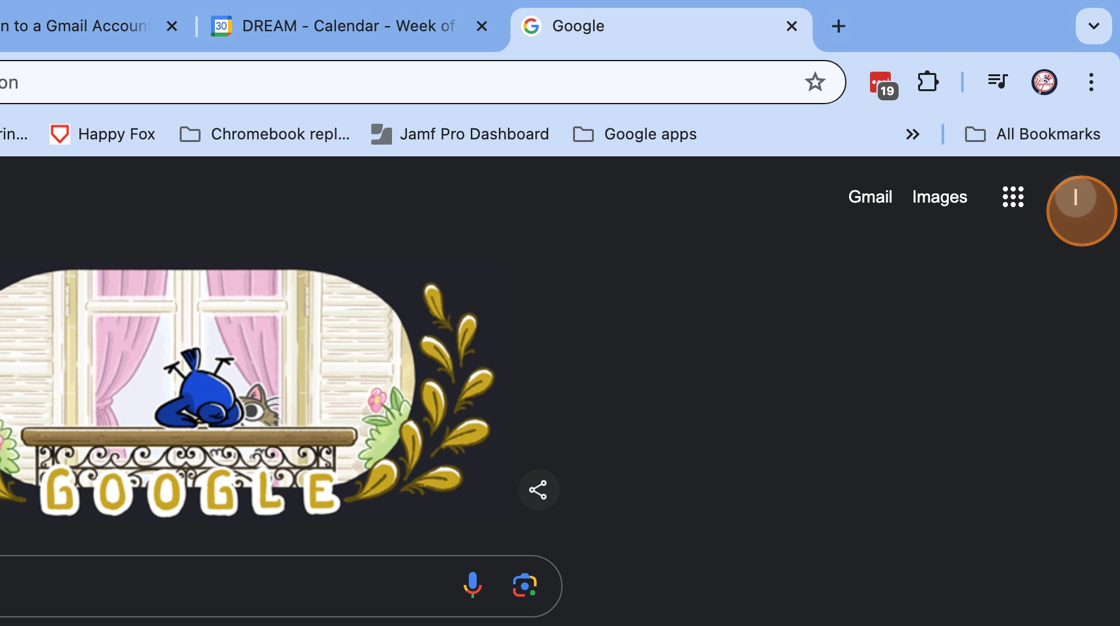
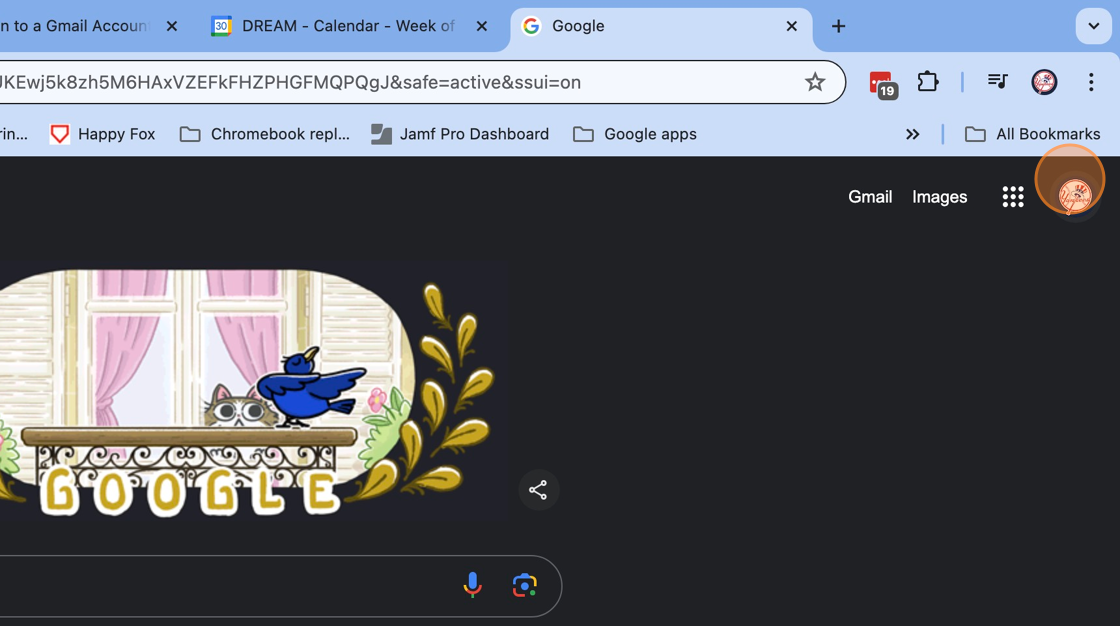
1. Click on your account logo
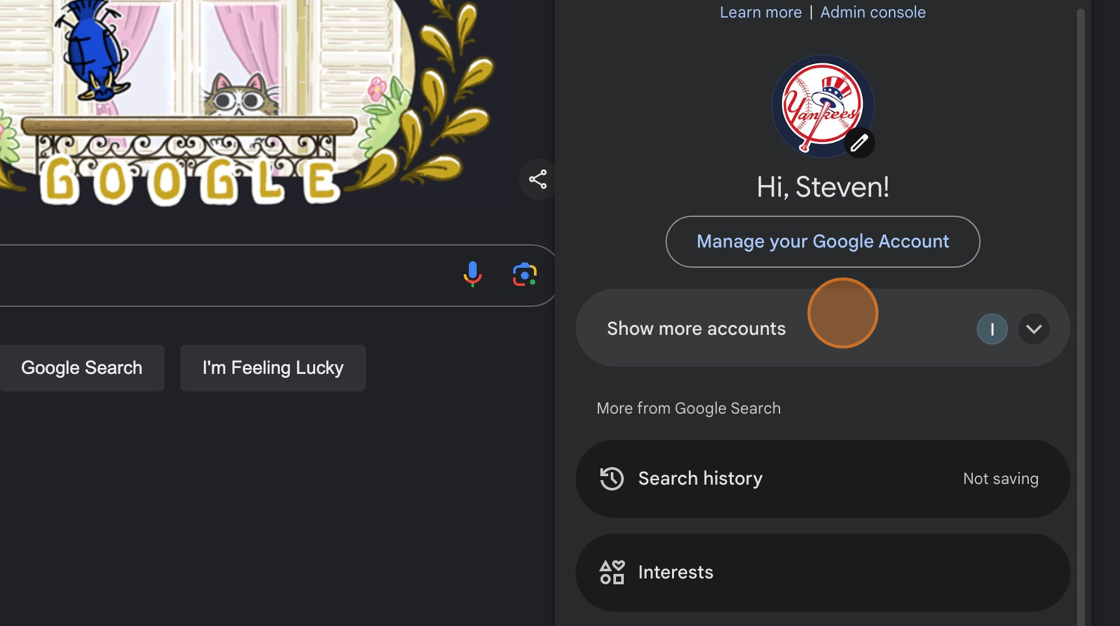
2. Click on " Show more accounts "
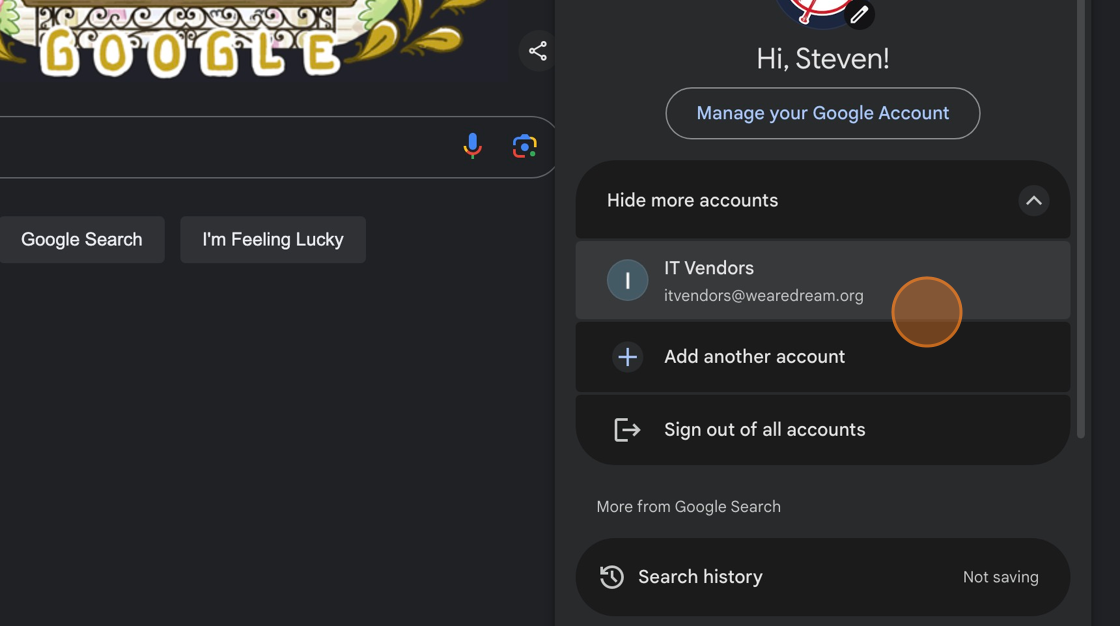
3. Click on the desired delegate email
4. Once the desired email account logo appears, accounts have been changed