How to Change Zoom Screen Name and How to Sign Out
Last updated: Jun 04, 2024
3326
views

How to Change Zoom Screen Name and How to Sign Out
-
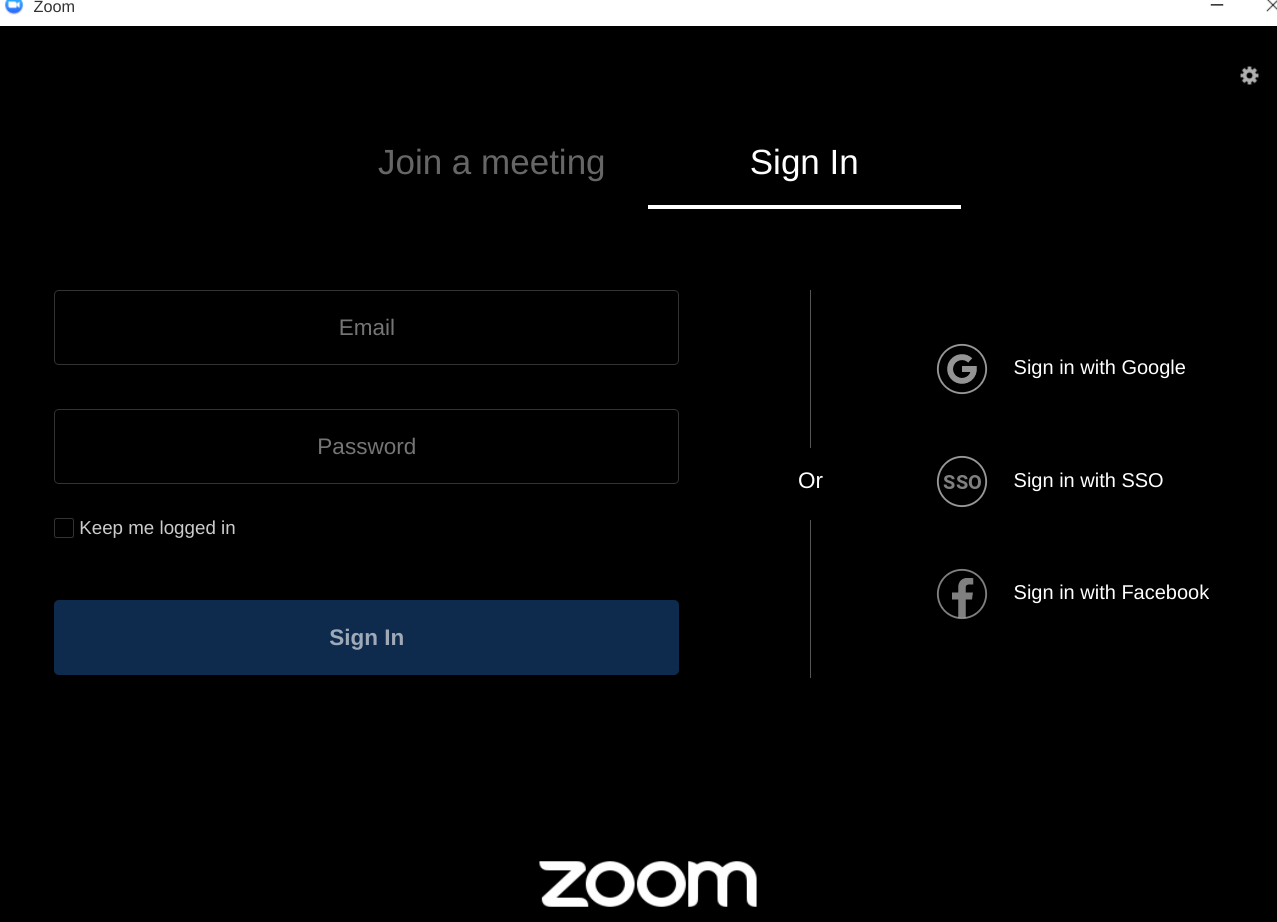
Click “Sign in with Google” Your Google Account will auto populate your screen name
-
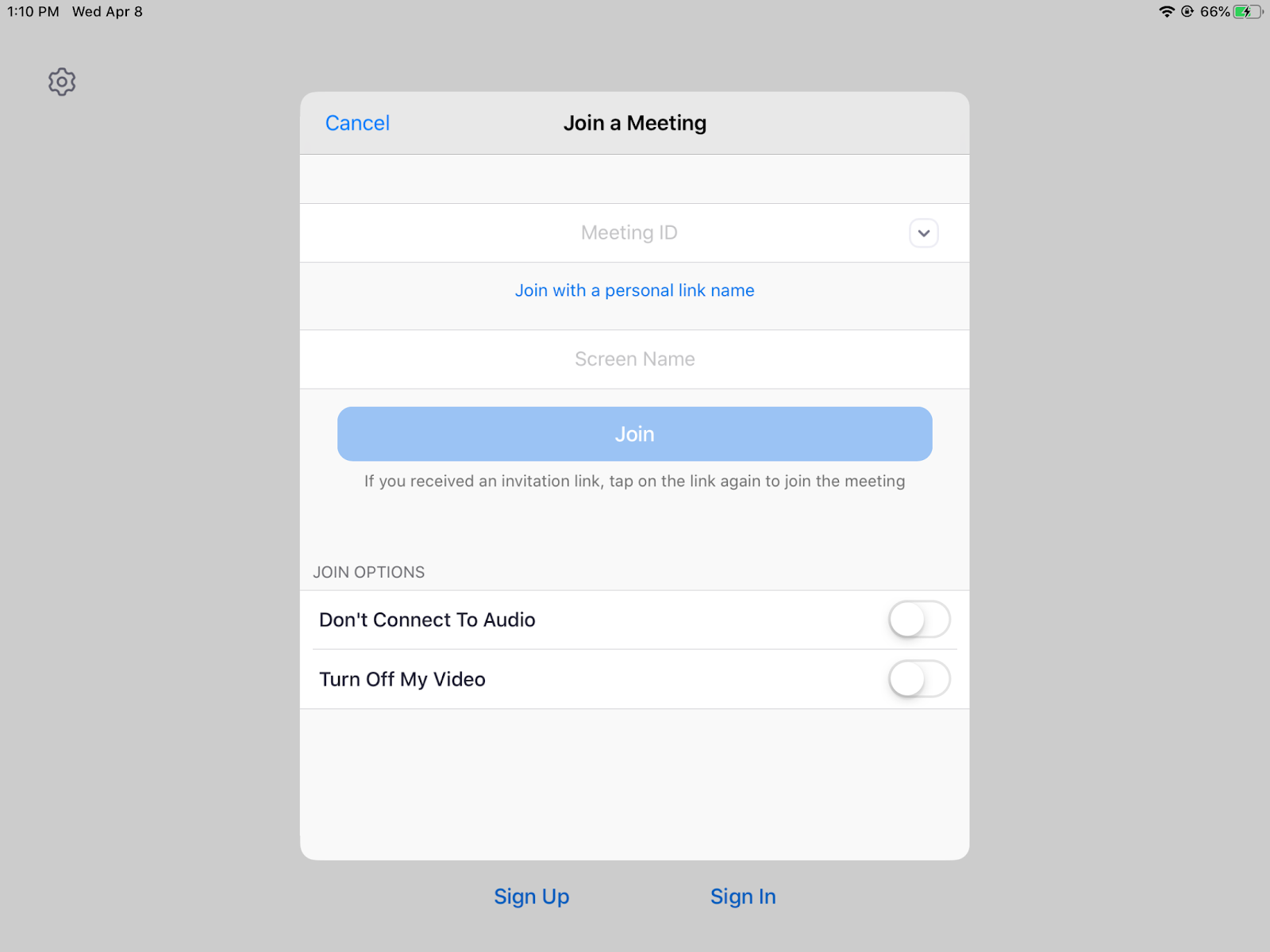
If you click on Join a Meeting, you will be ask for the Meeting ID and your Screen Name
-
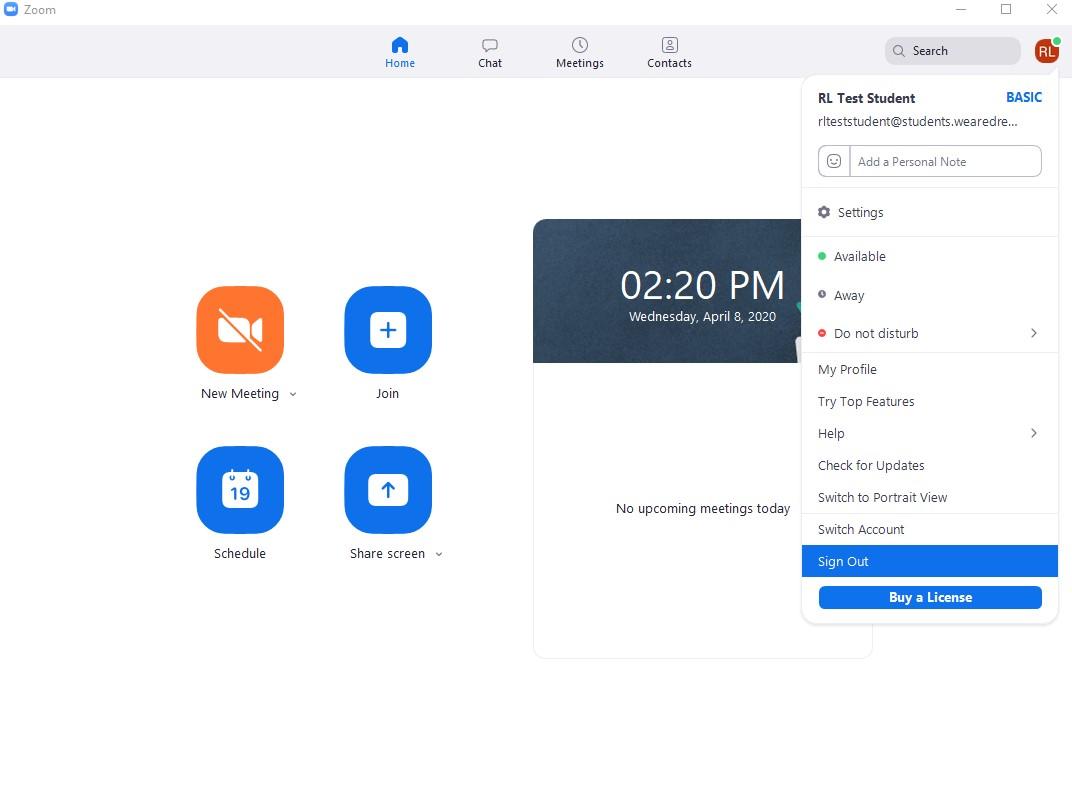
To sign out click on your name Icon
-
Click Sign out on the bottom of the dropdown menu