How to create rules to filter your emails
Last updated: May 20, 2024
1208
views

How to create rules to filter your emails
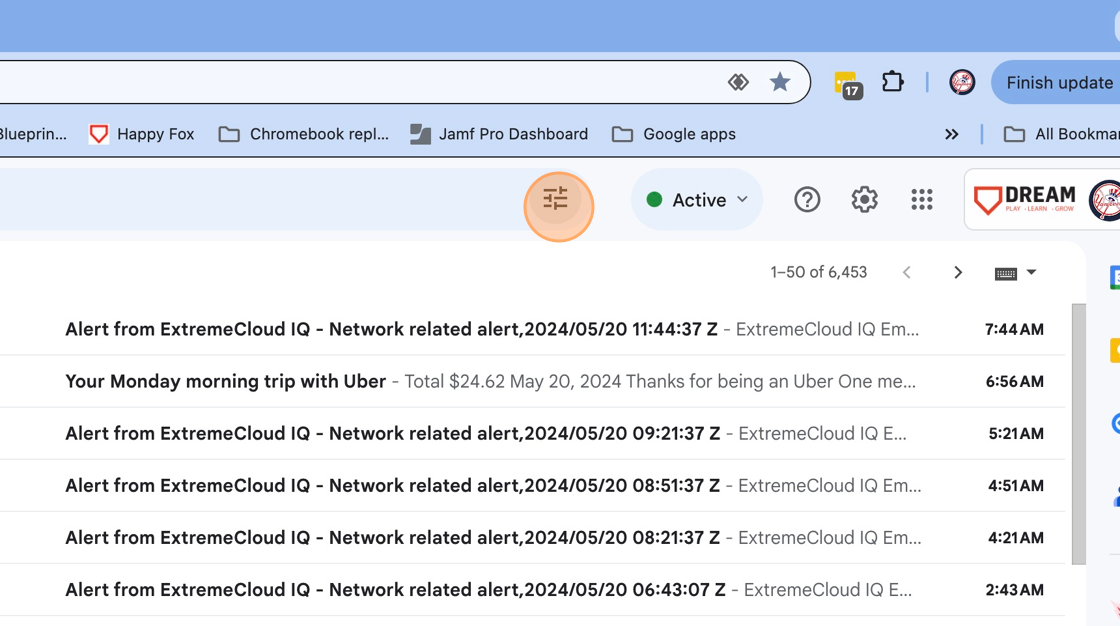
1. Click on the widget icon
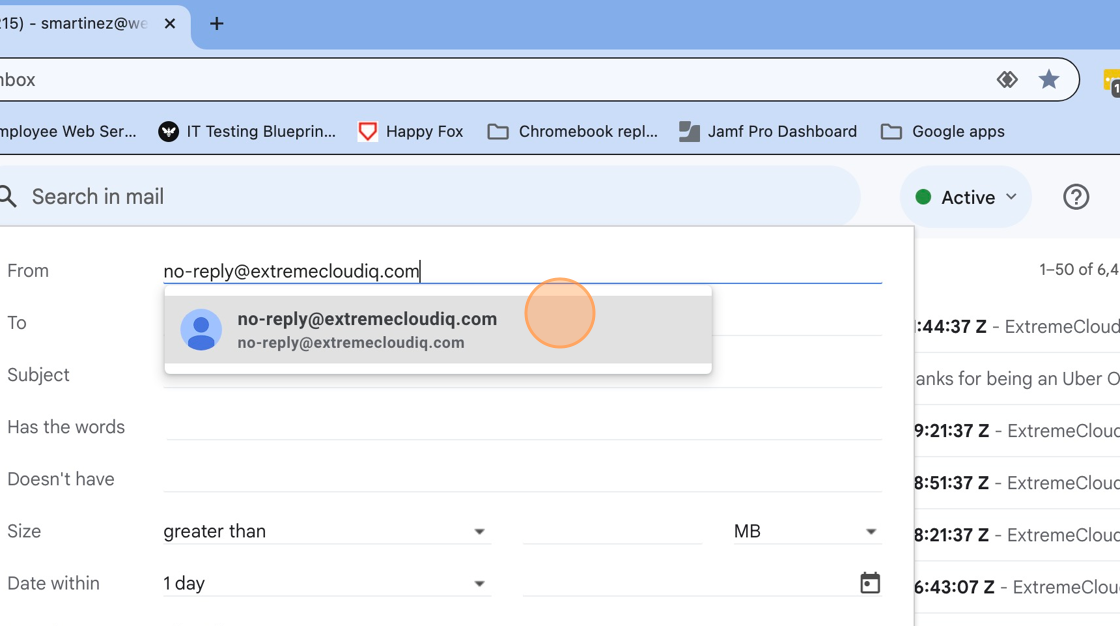
2. Enter the email that you want to filter
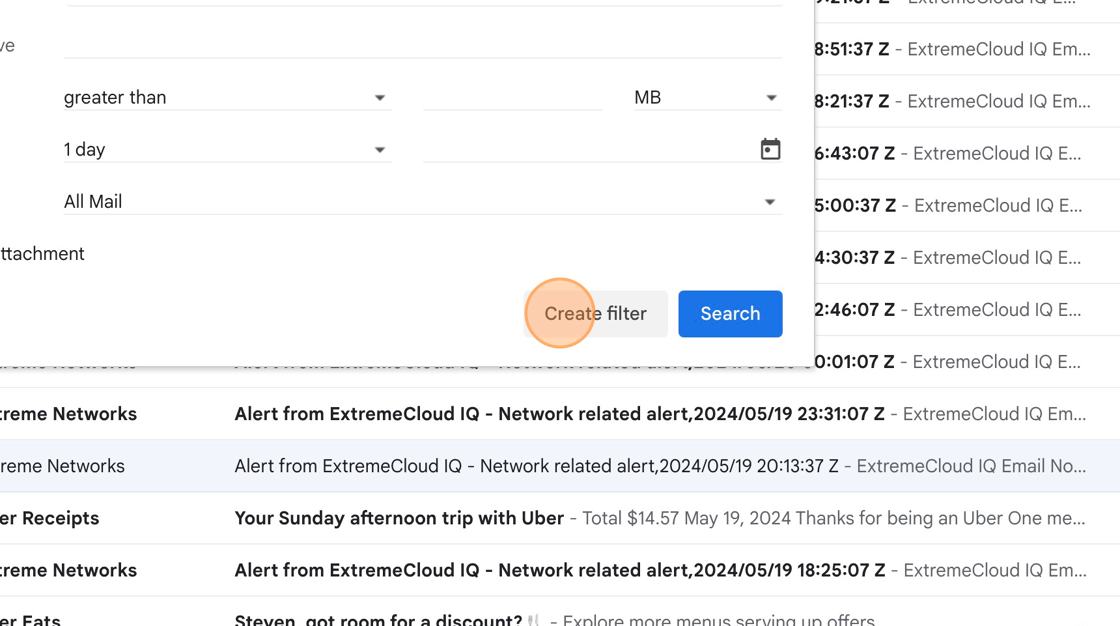
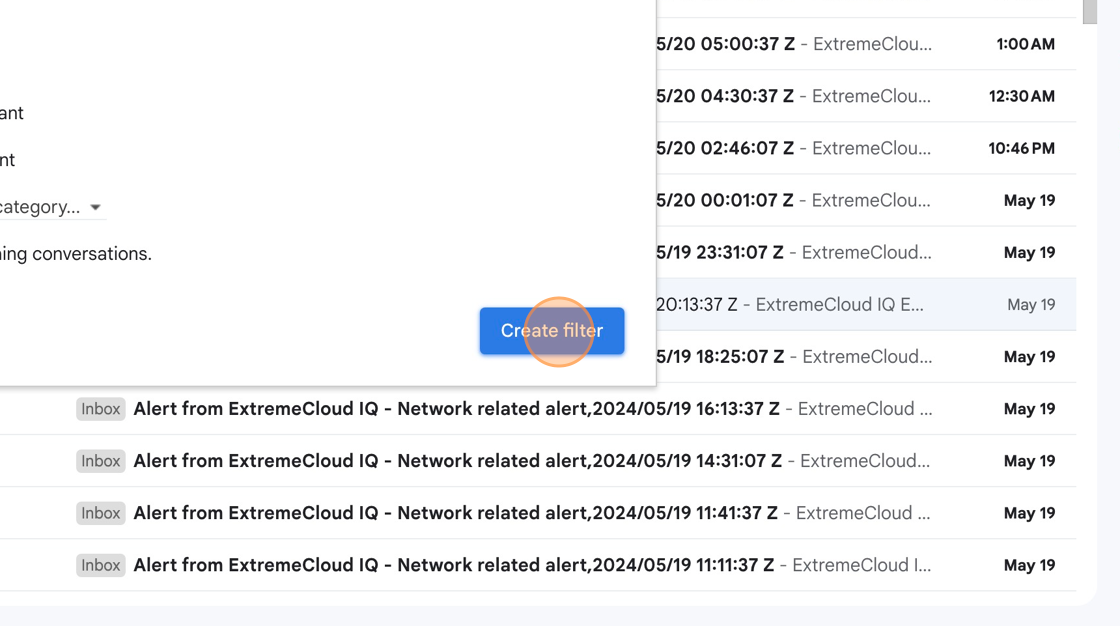
3. Click "Create Filter"
4. Click on the rules you want to filter through
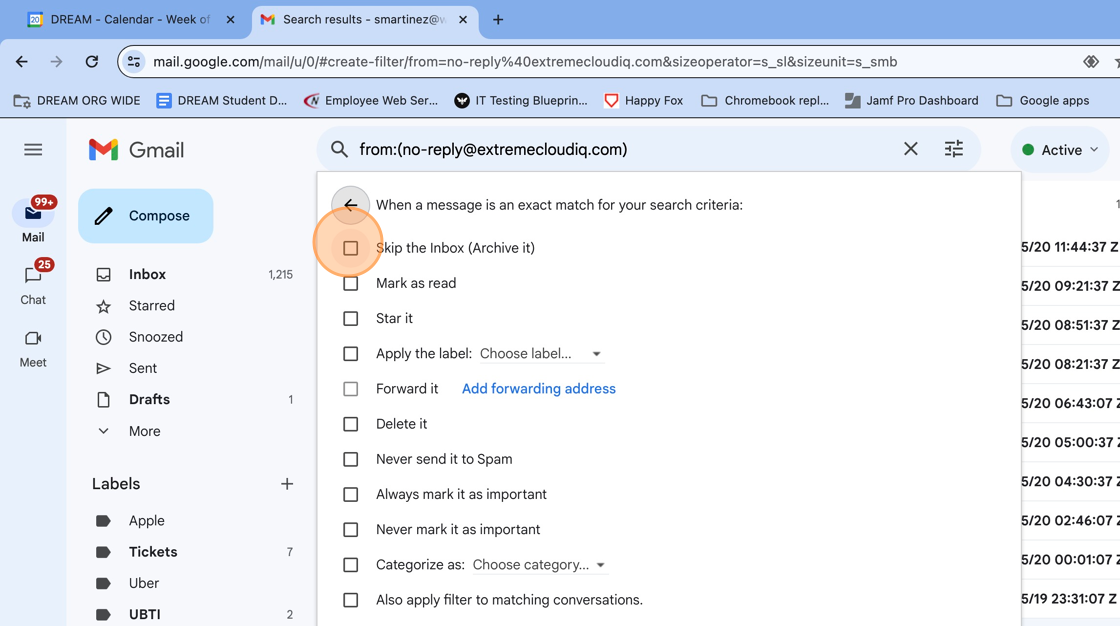
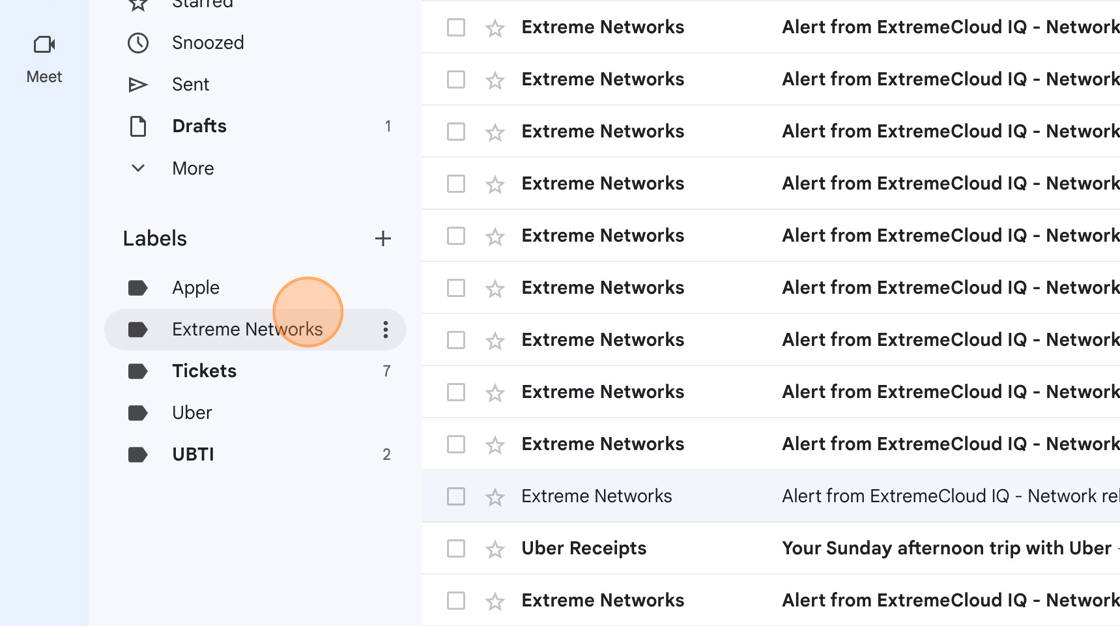
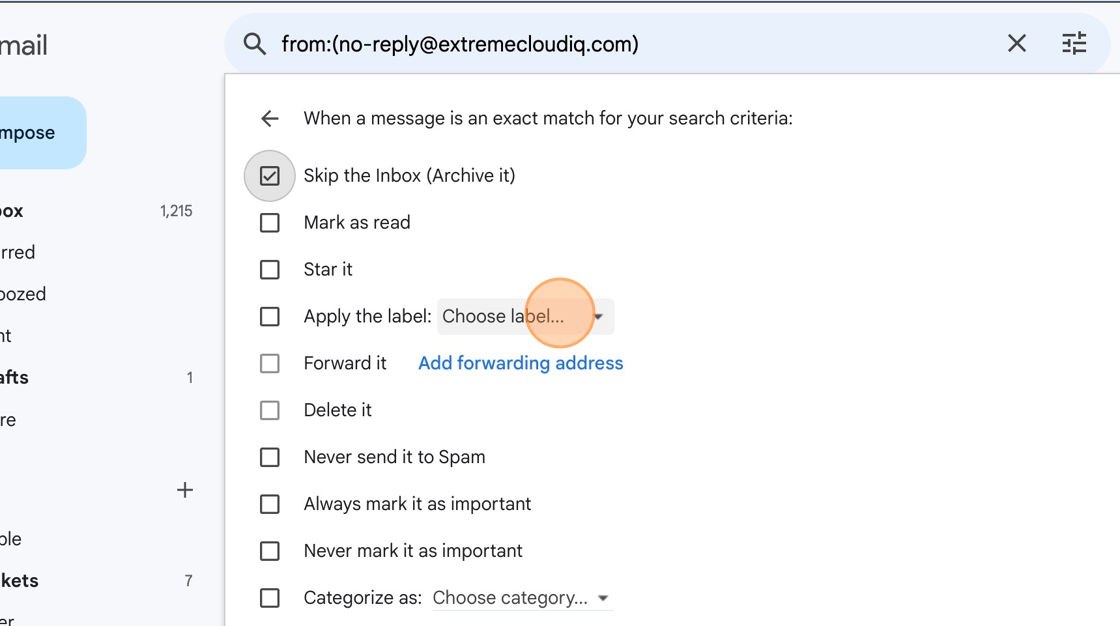
5. Click "Choose Label"
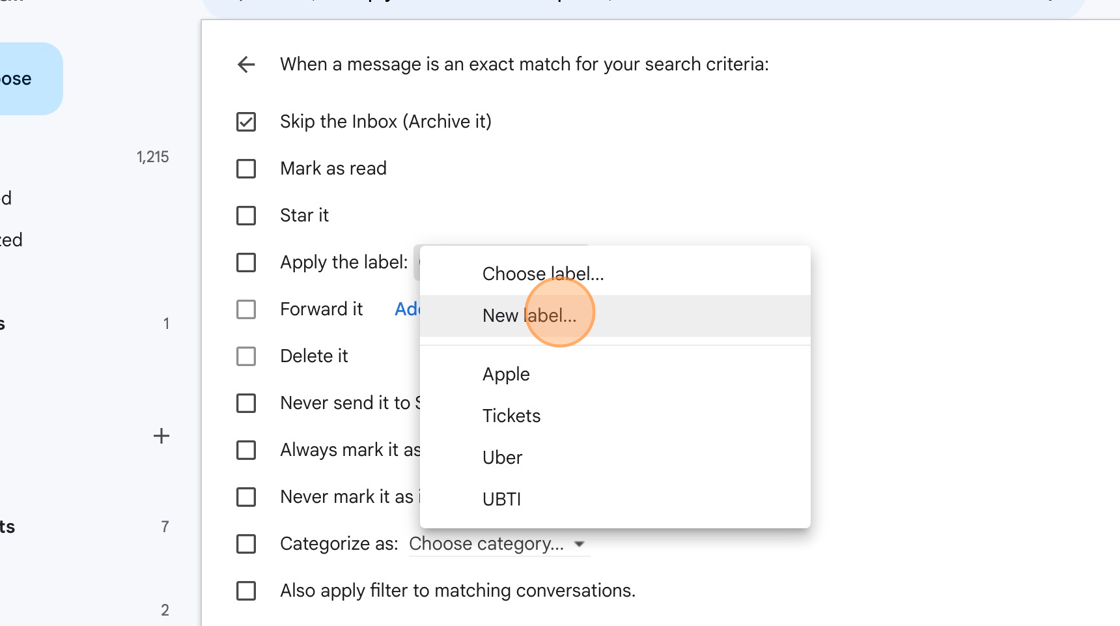
6. Click "New Label"
7. Click "Create"
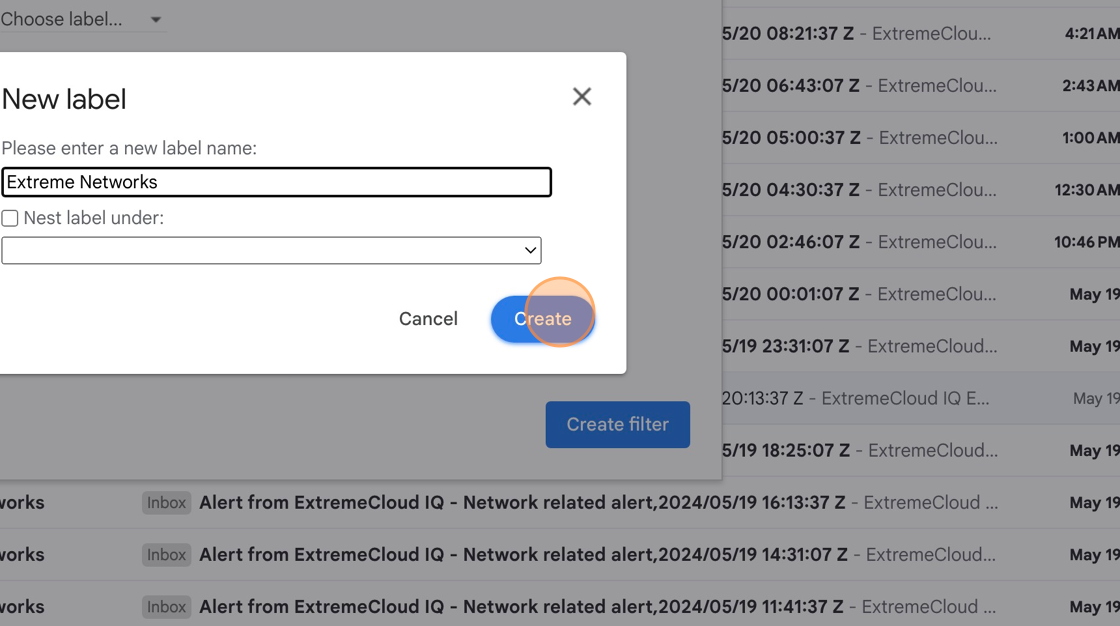
8. Click "Create Filters"
9. Look on bottom left under label to make sure label has been created