Black screen when Steaming
Last updated: Apr 05, 2024
2434
views

Black Screen when Streaming
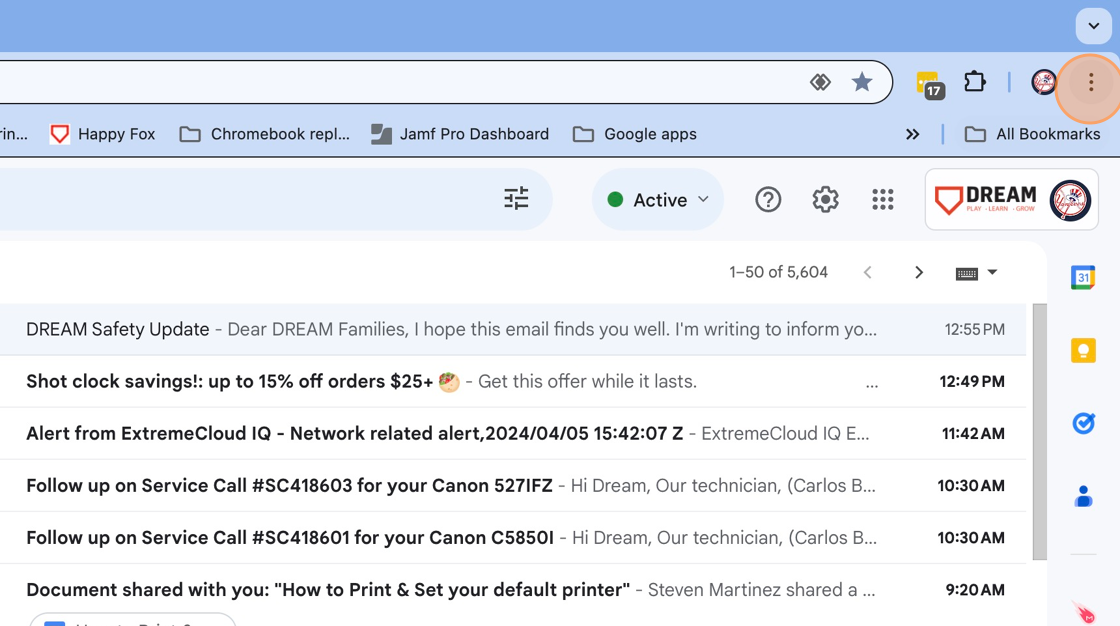
1. Click the Chrome pop up button ( 3 dots )
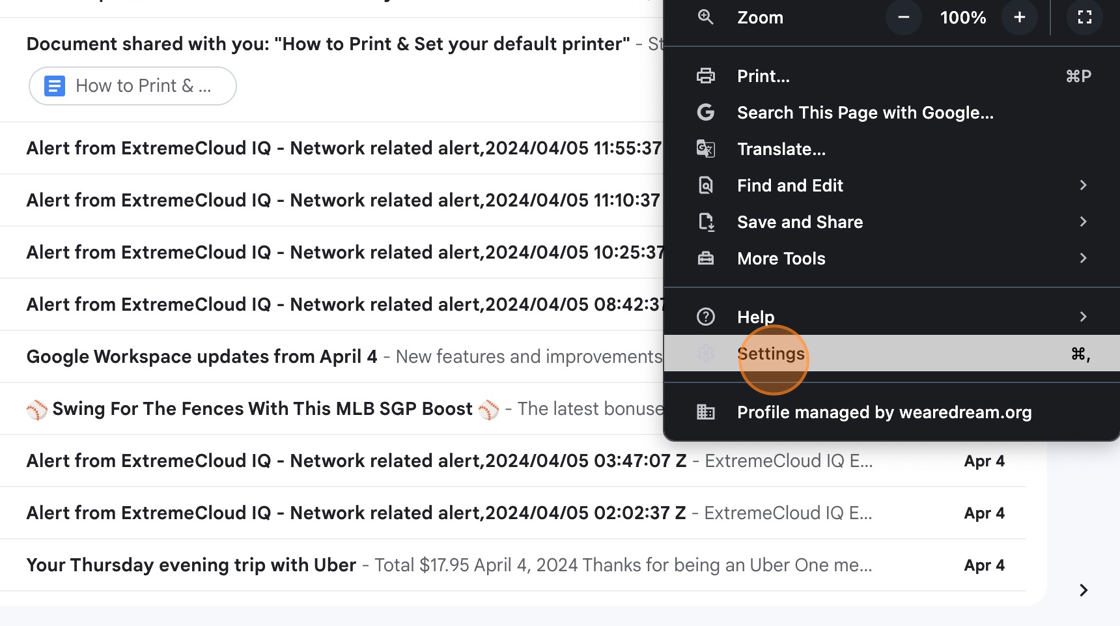
2. Click the Settings ⌘, menu item
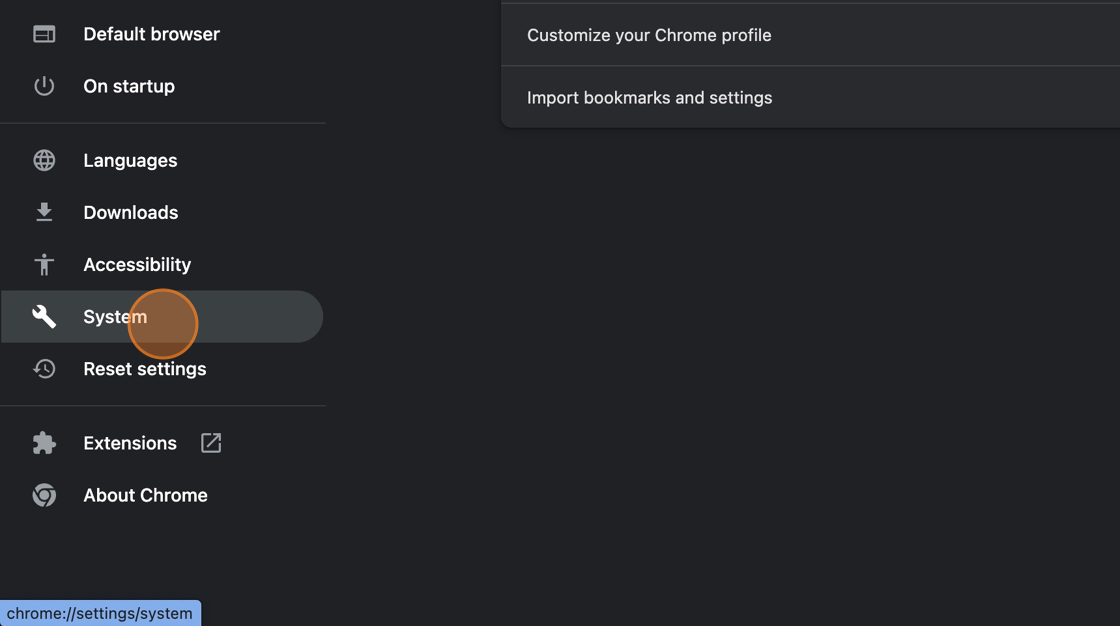
3. Click "Systems" on the left side menu
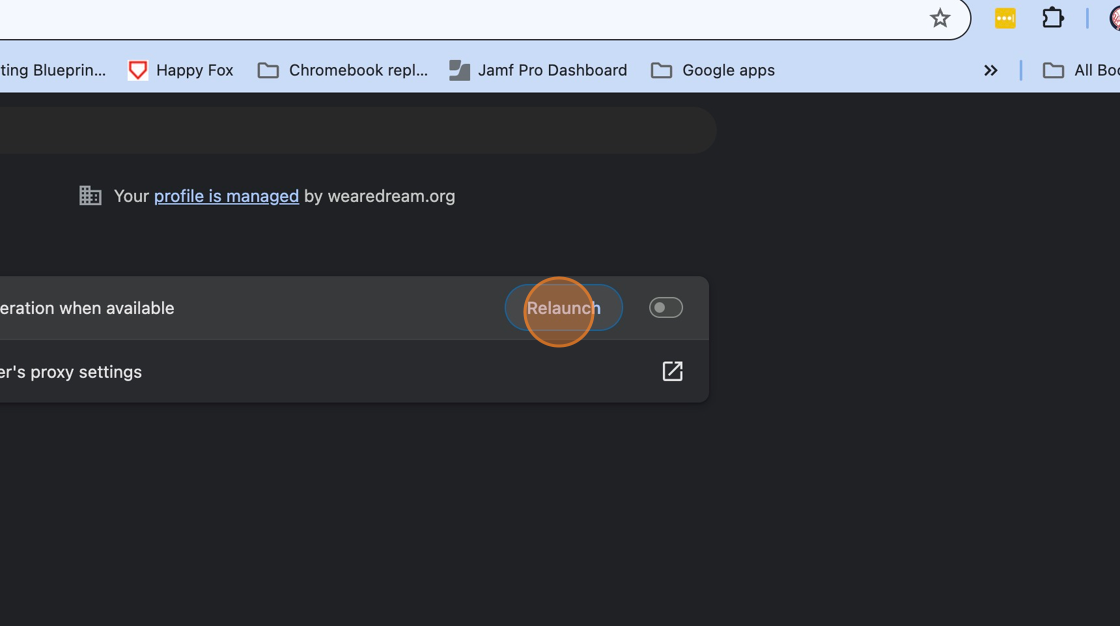
4. Click to toggle off " Use graphics acceleration when available"
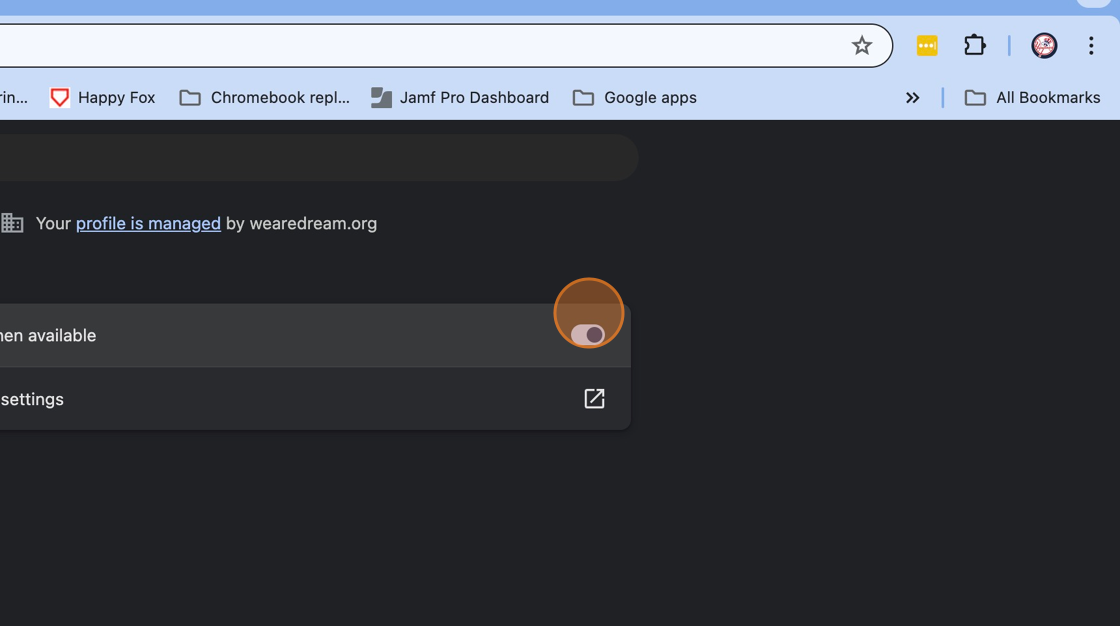
5. Click " Relaunch" to restart chrome browser