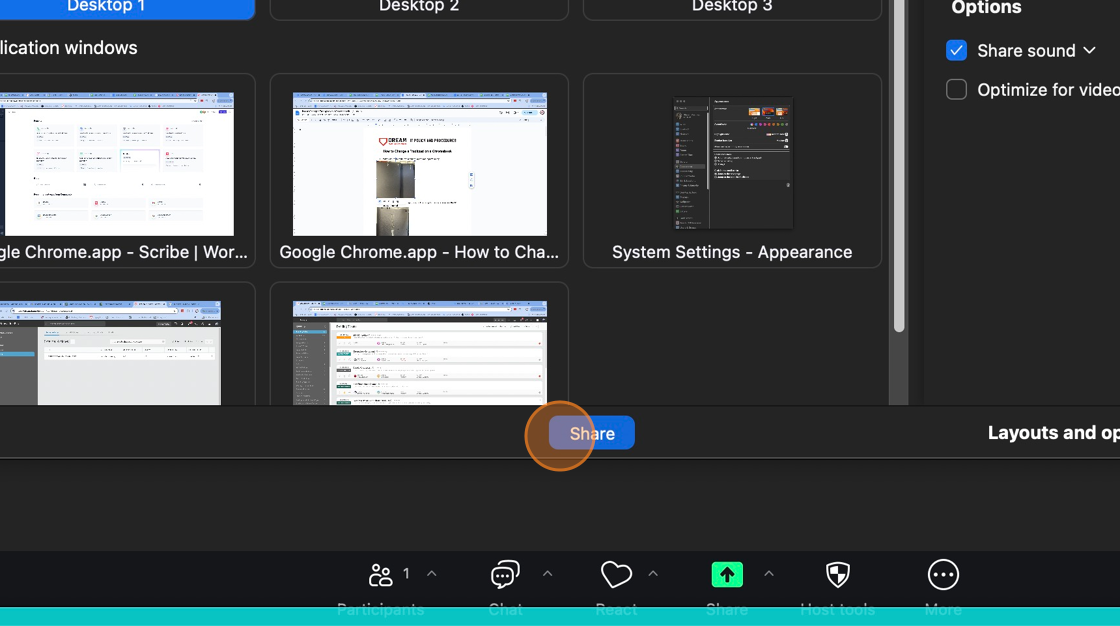
Unable to share sound on Zoom
Last updated: Jul 10, 2024
3686
views

Unable to share sound on Zoom
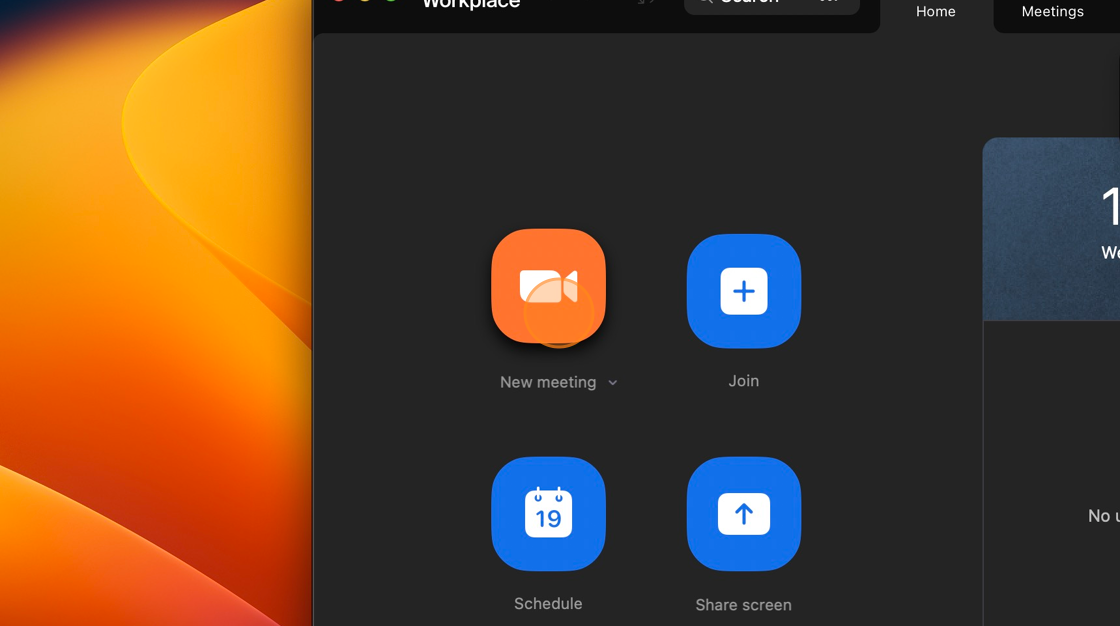
1. Click the Start new meeting button
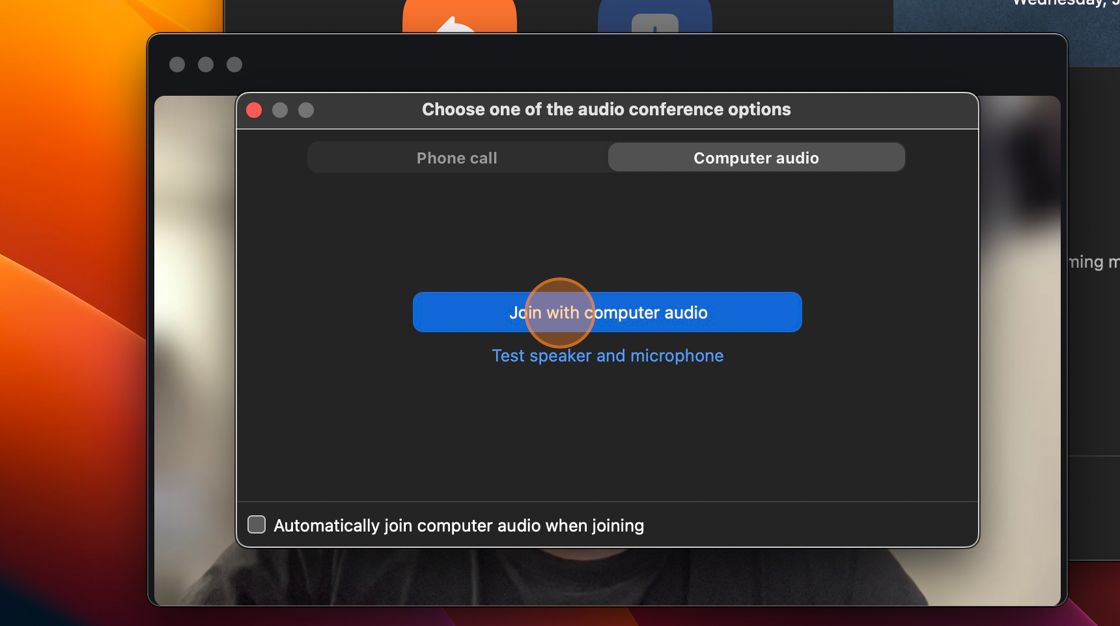
2. Click the Join with computer audio button
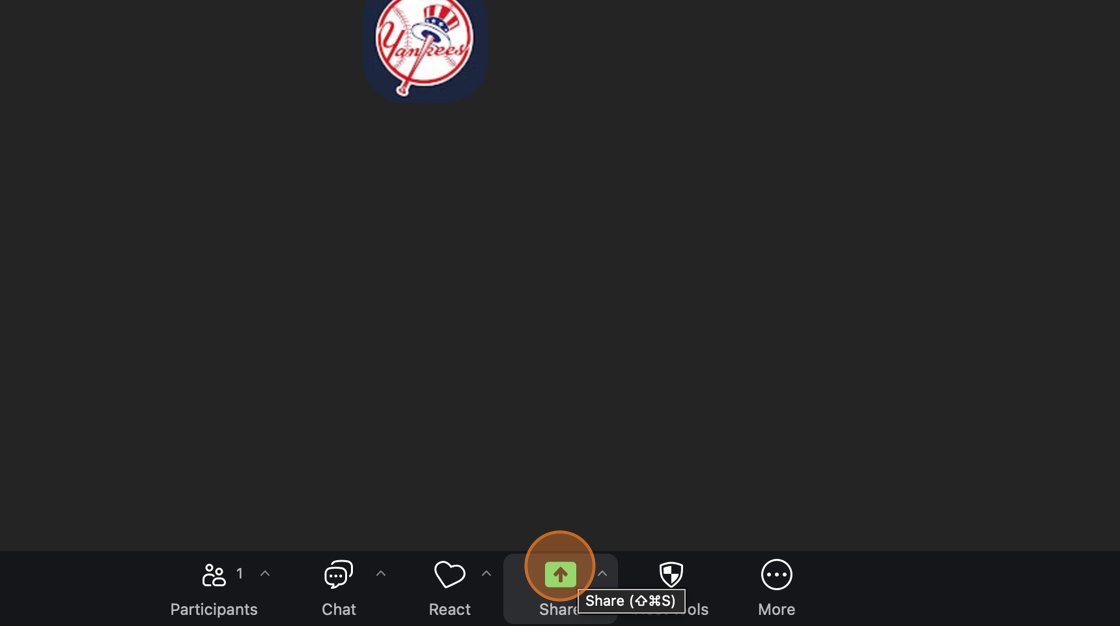
3. Click the Share button
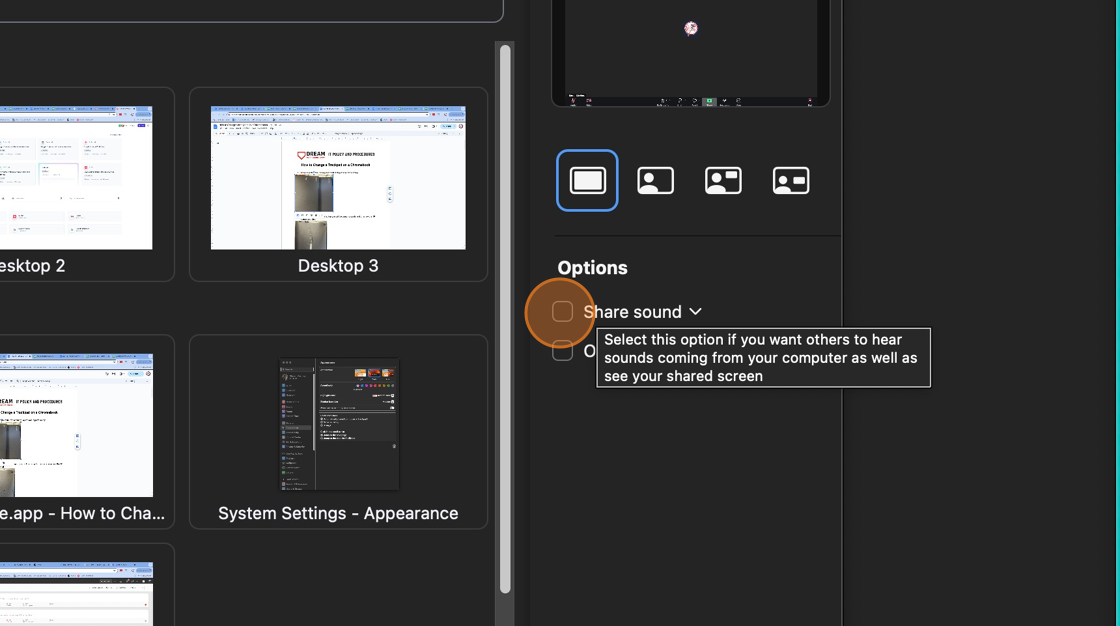
4. Click the Share sound checkbox
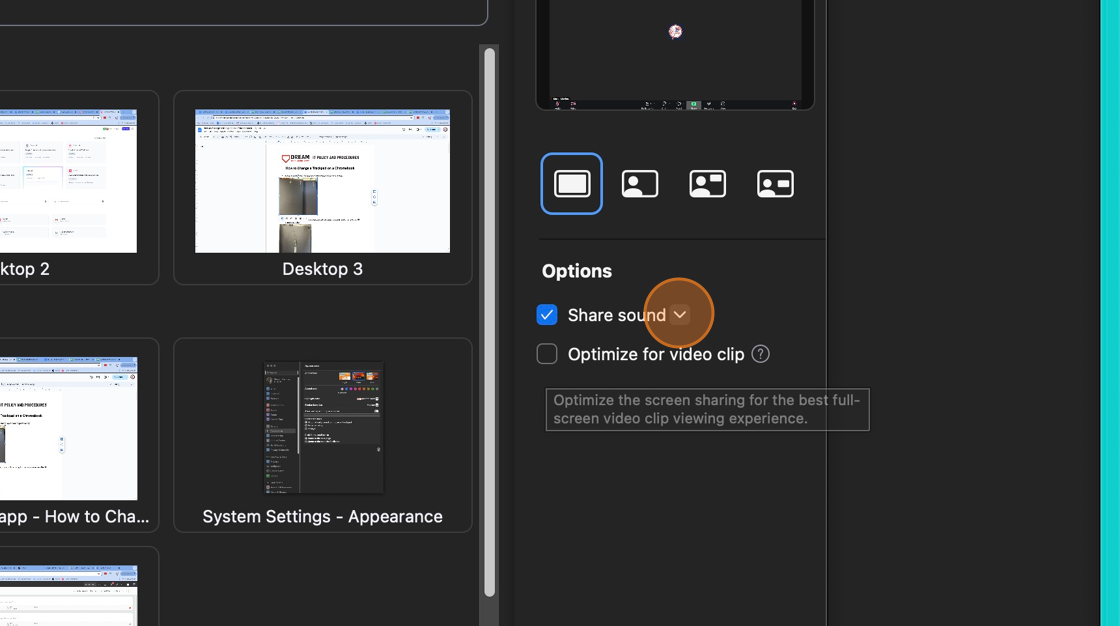
5. Click the share sound sub menu button
6. Change the option based on which type of sound you want to share
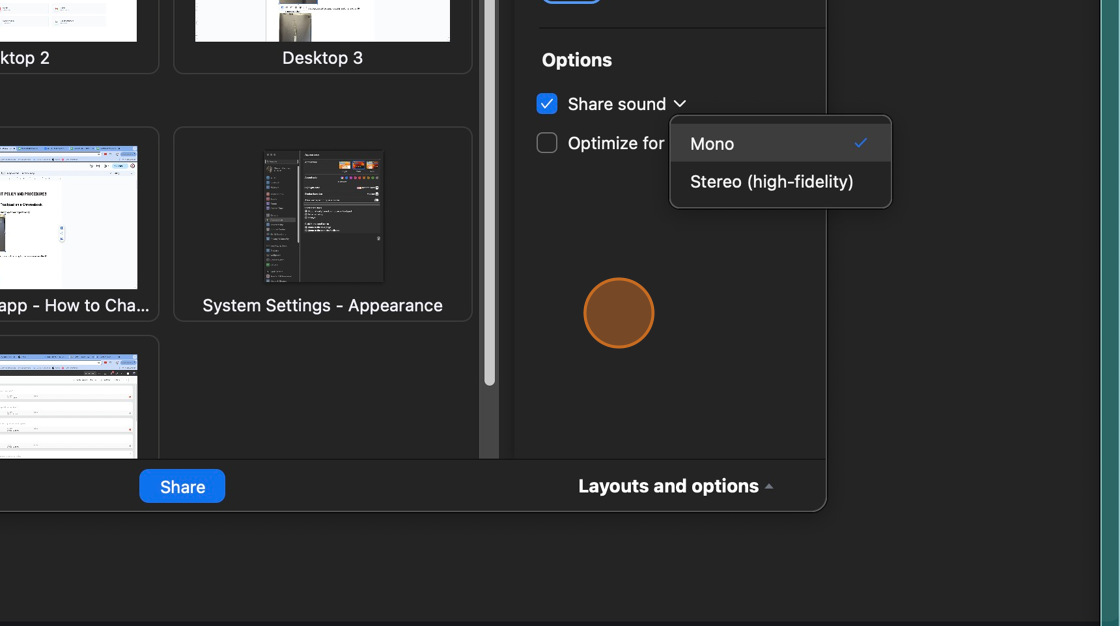
7. Click the Share button